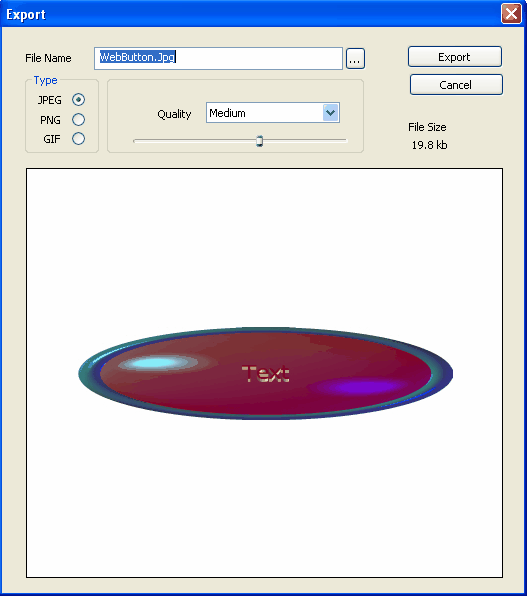
To export your web buttons click on File -> Export to open the "Export" window.
After opening the "Export" window, retrieve your file, select the file type you want it to be exported as (JPEG, PNG, GIF), define its attributes (quality of the end result) and click on the "Export" button. The better the quality, the bigger the file size.
In the PNG file you have the option of saving your button image along with an alpha channel in order to add transparency to your button image.