

AllWebMenus Pro
Cross-browser support - Multiple menu effects, styles & themes
Powerful menu positioning options - Unicode support - HTML edit capabilities
Multiple rows/columns - Addins/Plugins - Extensions - SEO Friendly - Sitemap support


Save time
No Code - WYSIWYG
Rich UI - For All Browsers
Any Editor - Any CMS
AllWebMenus is a web menu builder that requires absolutely no DHTML, CSS or Javascript experience from you.
You can design your CSS menu or JavaScript menu visually and fully customize it through a variety of powerful features or by choosing a predefined appearance from plenty of menu themes available in the Theme Gallery.
View examples of the type of menus you can create with AllWebMenus.
Your drop-down menu can be either vertical or horizontal (popup or drop down menu), movable, stay visible while scrolling, contain static or animated images, borders, colors and much more (see features below).
Through the "Compile menu" and "Link menu" commands you can add your web menu to your pages in a fast and easy manner, without any code involved.

(click the image to see the application's interface)
Major Features
Cross-browser
Javascript engine supports all browsers, such as IE, Firefox, Chrome, Safari, Opera, Mozilla, Konqueror, OmniWeb and more.

Cross-platform
Javascript engine supports all platforms, such as Windows, Mac OS X, Linux, smartphones (iPhone, Android, Windows Phone, BlackBerry 6+) and more.

Cross-editor
Works with all authoring tools (such as Dreamweaver, Expression Web, NetObjects Fusion, CoffeeCup, etc.), even a simple text editor!
Cross-CMS
Works with all CMS and Blogs (such as WordPress, Joomla, Drupal, Typo3, DotNetNuke, Expression Engine, CMS Made Simple, etc.).

AllWebMenus will save you a significant amount of time and effort from programming cross-browser JavaScript menu code just by yourself.
Watch a quick overview of AllWebMenus Pro
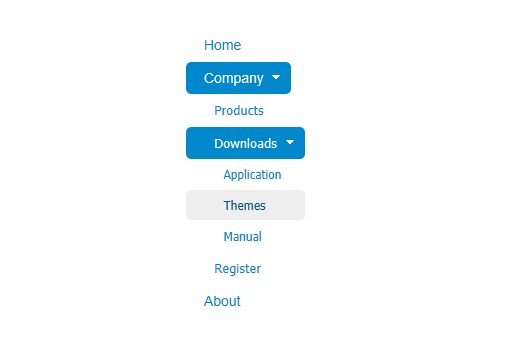
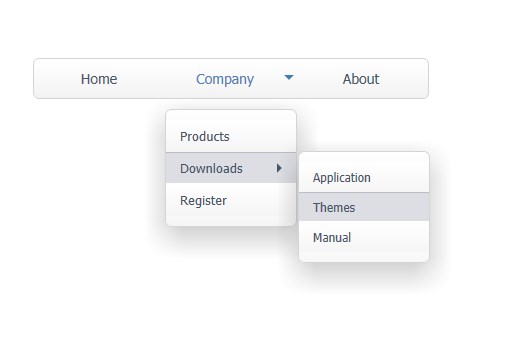
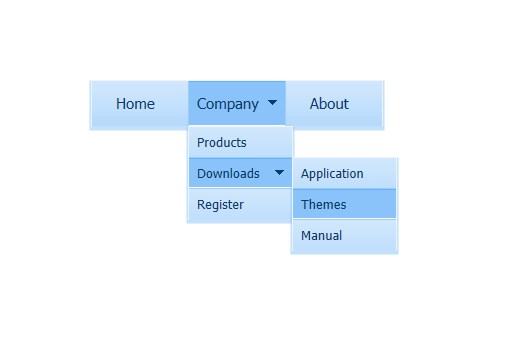
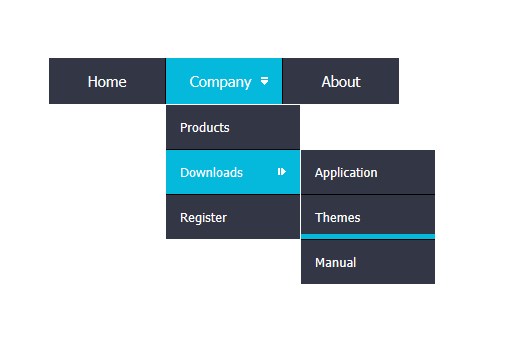
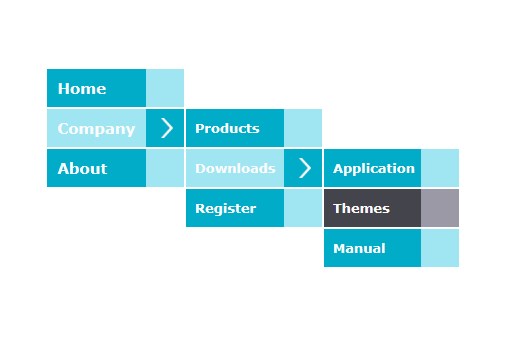
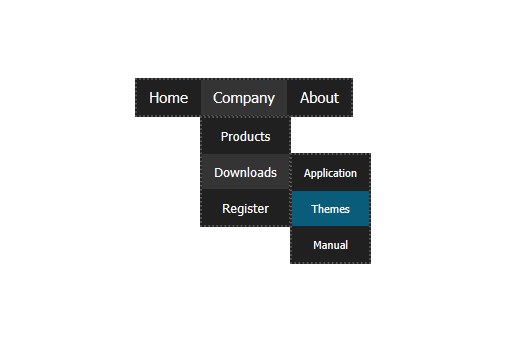
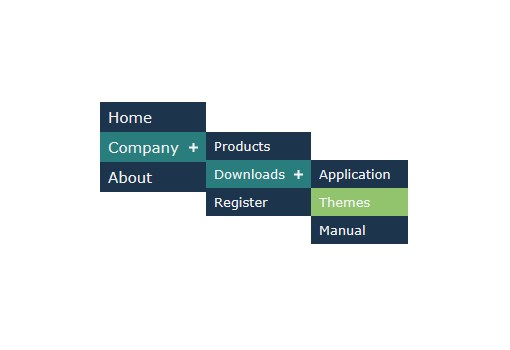
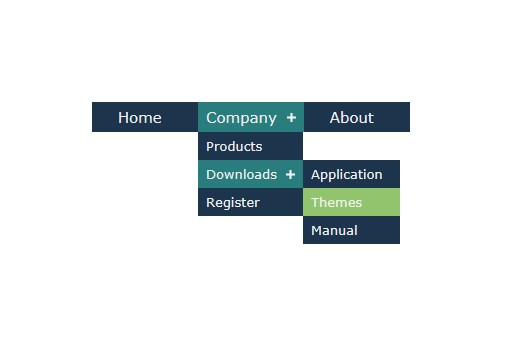
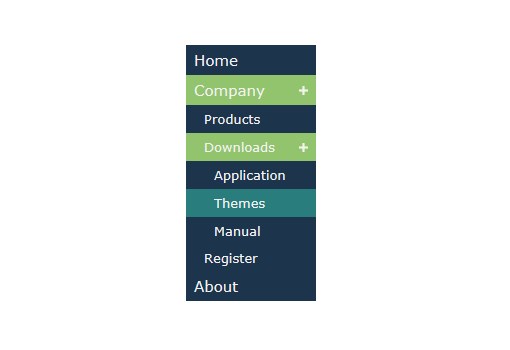
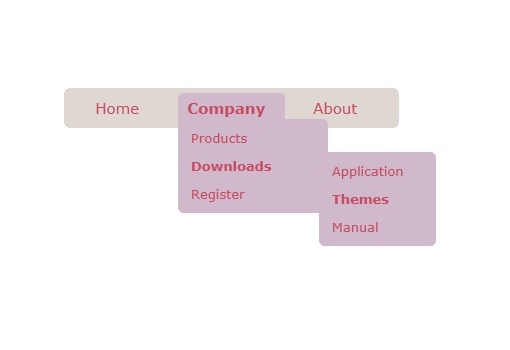
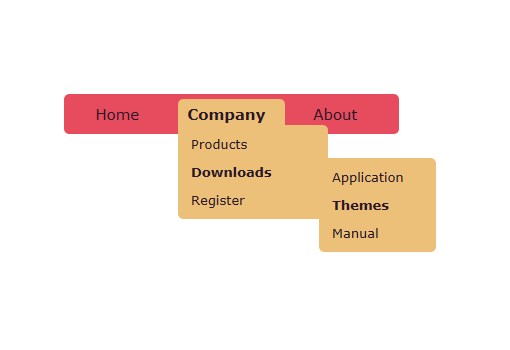
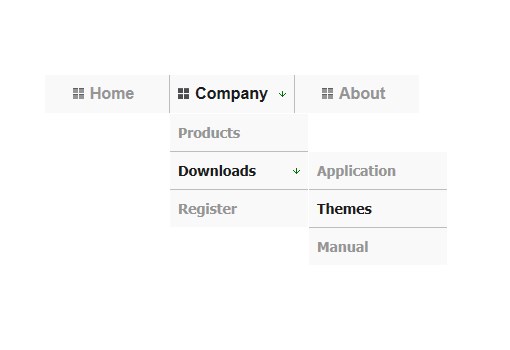
Latest Menu Designs
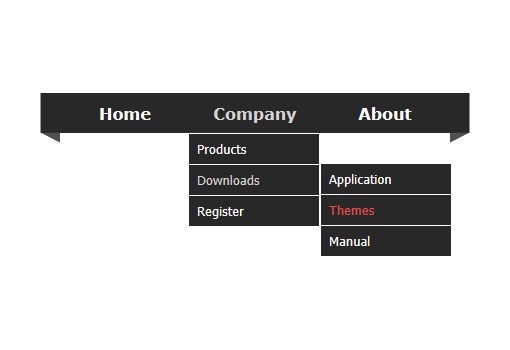
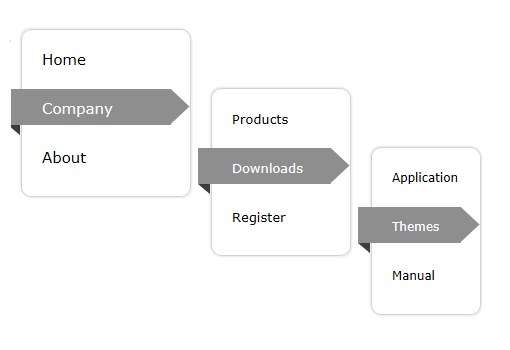
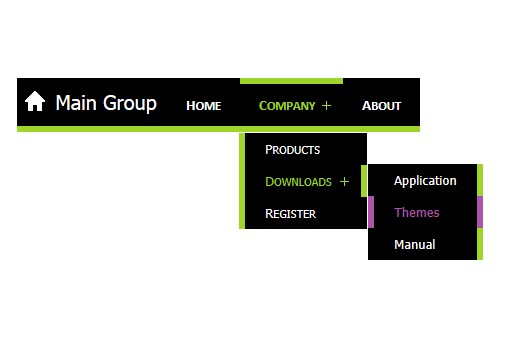
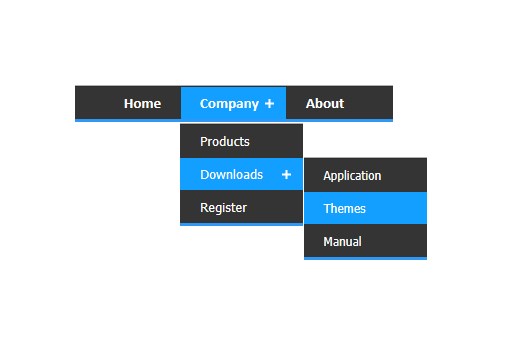
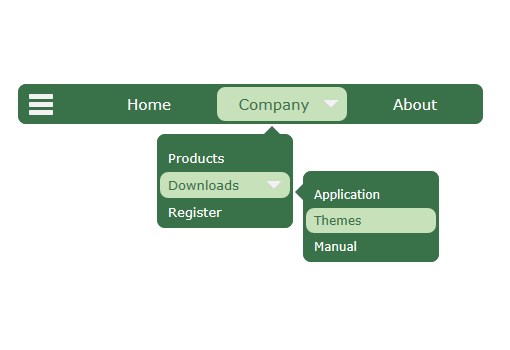
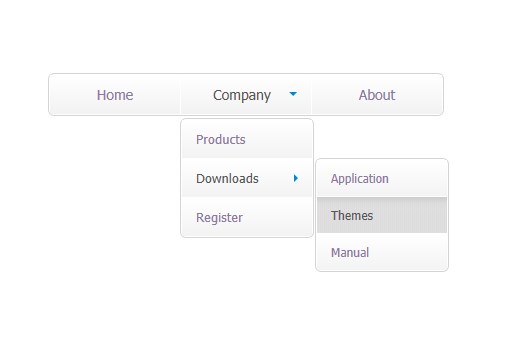
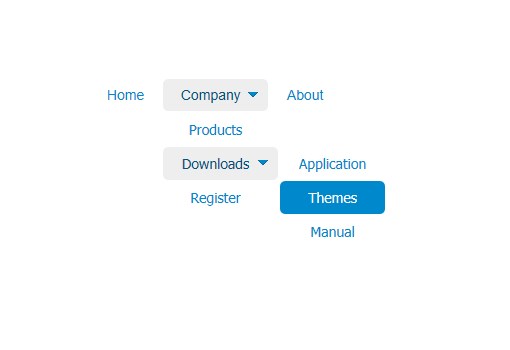
Responsive menus
(for your responsive website designs or standard websites)

You can choose your menu to alter its presentation or behavior on different devices and screen widths, in any of the following 3 ways:
- Different styling
- Different content
- Different positioning
Responsive Menu Example
Optimized menu building with separate javascripts for different browsers.
The javascript engine downloads only a particular javascript file optimized for the visitor's browser. With that method the maximum engine size downloaded is only 55Kb and then it is cached for the entire visit (never downloaded again for the same visitor!).
Note: When you use the CSS Menu Genre option only a single, small javascript file is created for all browsers instead (common).
Section 508, WAI, WCAG, DDA compliance
(option for
accessible menus).
 Through the "CSS Menu" Genre option you
can create powerful accessible
menus, with keyboard navigation,
support for screen readers such as JAWS,
etc.
Through the "CSS Menu" Genre option you
can create powerful accessible
menus, with keyboard navigation,
support for screen readers such as JAWS,
etc.
 A perfect solution for US, UK,
Australian government sites or other
websites that require accessible
standards.
A perfect solution for US, UK,
Australian government sites or other
websites that require accessible
standards.
Full Search Engine Optimization (SEO) support
Through the SEO CSS Menu Addin you have 2 different options for creating SEO-friendly menus, by specifying how your web menu is populated with items and submenus.
Option 1: Using the project's structure, i.e. items that you add to your AllWebMenus project. These items are fetched from its compiled project's file,
Option 2: "On-the-fly", using <UL><LI> items fetched from the loaded page that shows the menu.
Ready-made options for your menu creation through the web menu ThemePacks and Templates.


AllWebMenus Addins (included in the application)

Generate menus on-the-fly through the Server-Side Menus API Add-in, either database-driven or programmatically generated menus based on your conditions/parameters, on server-side environments such as PHP, JSP, ColdFusion, ASP, ASP.NET, etc.
Server-Side Menus Example
Create menus with sliding submenus, otherwise known as "slide menus", "expandable menus", "collapsible menus" or "accordion menus", through the Sliding Menu Add-in.
Sliding Menu Add-in
Retrieve your Joomla menu from your Joomla website and import it into the AllWebMenus application to create stylish, feature-rich navigation menus, but not only!
Fully customize your joomla menus adding your own non-joomla menu items with external or internal links, html-rich content, colors, borders, effects, designs of your choice and many more.
Joomla Menu examples
Create stylish menus for your WordPress blogs based on the structure of your blog (blog posts, pages, etc.), your own custom menu items or both!
Fully customize your wordpress menus adding your own non-wordpress menu items with external or internal links, html-rich content, colors, borders, effects, designs of your choice and many more.
WordPress Menu examples
Create stylish menus for your Drupal websites based on its structure (pages, stories, taxonomies, etc.), your own custom menu items or both!
Fully customize your drupal menus adding your own non-drupal menu items with external or internal links, html-rich content, colors, borders, effects, designs of your choice and many more.
Drupal Menu examplesSupports all Authoring Tools
AllWebMenus has a generic approach for adding your javascript menus in your pages with any authoring tool - even a simple text editor!
Read how you can use AllWebMenus with any Web Authoring tool

We also offer special free addins for Dreamweaver, Expression Web, FrontPage and NetObjects Fusion that add to the seamless integration of your menus to your pages:
Also supports nested frames and iframes.

Use your own HTML code on selected menu items to achieve enhanced formatting or advanced functionality, from a simple working link, up to forms, flash objects, search boxes, even full-scale web pages!


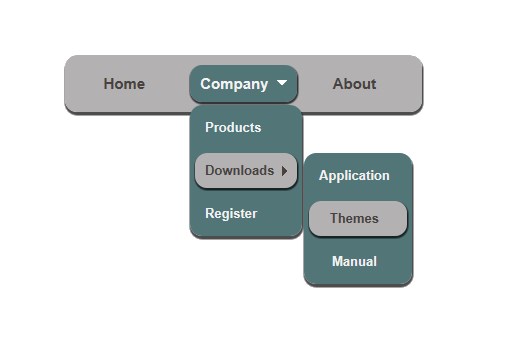
Use Rounded Corners, in browsers that properly support CSS3 (IE9+, Opera 10.50+, Firefox 3.5+, Safari/Webkit 522+, Chrome and others).
You can adjust the roundness of each corner all together or even separately! (see submenus in menu screenshots below)


Apply Shadows at both groups (Main Menu, submenus) and items, in browsers that properly support CSS3 (IE9+, Opera 10.50+, Firefox 3.5+, Safari/Webkit 522+, Chrome and others).
You can adjust the appearance (color, opacity, offsets, blur, spread) of each shadow all together or even separately!
(see submenus in menu screenshots below)


Use Group Padding, as space between the item borders and their group's borders (edges). This space is filled by their group's background, which can be any color or a background image (texture, etc.).
You can adjust the padding of each side all together or even separately!

“Automatic Item Highlight” feature, which specifies whether an item whose property matches the URL of the loaded web page will show as selected.
Example:
If your web menu has a “Company” item that links to the company.html page:

...and you browse the following URL:

...your menu can appear as follows:

Similarly, the "Show Item or Group on Appear" property allows you to choose a particular item to show as "selected" (highlighted) or a group to appear when the menu is initially loaded. See example
Vertical Scrollbar for vertical Groups now available
(supported through the enhanced <Type> property)

Note: Automatic Scroll on Mouse Over also available since v5.1.774. example
Multiple Rows and Columns on submenus now available
(also supported through the enhanced <Type> property)


Floating Images can now be added to any of your menu items, allowing for even more creative menu implementations.


Create any kind of web menu fast by using pre-designed menu themes from the Theme Gallery.
Examples of free themes included in the distribution:


40 Icons now available into the new "Icons" Category of Image Gallery.

Example Menu Projects added to the distribution for free.

Unique RTL support for Right-to-Left language implementations (such as Arabic, Hebrew, Persian, etc.) on your dhtml menus.
Can display all languages in the javascript menu text through full unicode support, such as:
Arabic, Basque,
Bulgarian,
Catalan,
Chinese (Mandarin),
Chinese (Simplified), Chinese (Traditional),
Croatian,
Czech,
Danish,
Dutch,
English,
Estonian,
Filipino (Tagalog),
Finnish,
Canadian French,
French,
Galician,
German,
Greek,
Hebrew, Hindi,
Hungarian,
Icelandic,
Indonesian (Bahasa),
Italian,
Japanese,
Kazakh,
Korean,
Latvian,
Lithuanian,
Malay,
Norwegian,
Persian (Farsi),
Polish,
Brazilian Portuguese,
Portuguese,
Romanian,
Russian,
Serbian (Cyrillic),
Slovak,
Slovenian,
Spanish,
Spanish (Mexico),
Swedish,
Thai,
Turkish,
Ukrainian,
Urdu,
Vietnamese, and many more!

Can also display all symbols available in unicode, such as math symbols, etc.

Create, link and update a web menu into your web pages in no time and without any code required.
Use multiple menus in the same page.
Use "separate" borders on any side (top, bottom, left, right) of Groups or Items.

Keyboard Navigation on menus by using the arrow keys (optional).

Full documentation on all features and properties! The HELP file is about 647KB offering you complete support on your design efforts. A complete printable manual can also be downloaded.

Free Sitemap generator based on the functional web menu structure. The most effective solution for search engine optimized (SEO) menu implementations.
Use three flexible ways to position your menus:
- using window coordinates
- attaching the web menu to any element inside
your page
- attaching the web menu to an image that already exists on the page
Watch a video to see how you can position your menu to your webpages.
Edit CSS menu properties through a WYSIWYG interface.
Use menus with Shared Borders, Templates, Libraries and more.
Use the Advanced Copy/Paste functionality to quickly transfer any value among menu items.
Specify an alternative URL (without a menu) to open when a user has an older browser that does not support DHTML and Javascript (optional).
Specify an alternative URL (without a menu) to open when a user has an older browser that does not support DHTML and Javascript (optional).
Use Sticky submenus. A sticky submenu does not close unless you move to another item that has a submenu or click on the page. This is how the Windows "Start" menu works.
Use popup and hidden menus that appear on events specified by you.
Create effects by using different property values for three different item states: the "Normal", "Mouse Over" and "Mouse Click" item states.
Floating menus: Keep the menu visible in the same position while scrolling using either smooth or immediate scroll.
Or use the "Advanced Floating Menu Add-in" for conditional effects, such as placing a 'floating menu' at specific sections of a scrolled page.
Specify Javascript Commands to be executed:
- when any menu item gets clicked
- when any submenu appears or disappears
- when the Main Menu appears or disappears
This feature allows you to create fully extensible menus!
Use both vertical and horizontal submenus at any possible combination (see the "Links" item of the menu on our web site)
Use Header and Footer on the submenu groups and allow the user to drag the menu from its Header.
- Blinds, Iris Star, Pixelate, Radial Wipe, Random Bars, Random Dissolve and many more...
AllWebMenus Awards
5-star Top Rating at Download.com


What's Next
Download trial version.
Purchase now and save yourself valuable time and energy for your cross-browser DHTML menu implementations.
View examples of important features.
See what's new in our latest build.
View our online web menu Theme Gallery of feature-rich DHTML menus.

See screenshots of our DHTML menu JavaScript menu builder.
AllWebMenus Pro
All Likno Products
 AllWebMenus
 Web Modal Windows Builder (jQuery)
 Web Tooltips
Builder (jQuery)
Web Tooltips
Builder (jQuery)
 Web Tabs Builder
(jQuery)
Web Tabs Builder
(jQuery)
 Web Accordion
Builder (jQuery)
Web Accordion
Builder (jQuery)
 Web Scroller
Builder (jQuery)
Web Scroller
Builder (jQuery)
 Web Button
Maker
Web Button
Maker
 Drop-Down
Menu Trees
Photo
Frame Show
Custom Project
Services
Drop-Down
Menu Trees
Photo
Frame Show
Custom Project
Services
Supported
Web Authoring Tools
AllWebMenus supports the full set of Web Authoring Tools, such as:
Adobe Dreamweaver...
...with free Extension!
Microsoft Expression Web
Microsoft FrontPage...
...with free AddIn!
NetObjects Fusion...
...with free component!
Adobe Golive
VCOM Web Easy
SiteSpinner
Visual InterDev
HomeSite
HotDog
HTML Kit
1st Page 2000
CoffeeCup HTML Editor
Cool Page
CuteHTML
and many more...
A complete solution for your JavaScript menu creation needs!
Free
Sitemap Generators Included
With AllWebMenus you can create the following types of sitemap files:
NOTE: The feature is free and available even in the evaluation (unregistered) version of the program.
Major Clients
Organizations from 112 countries have trusted and used Likno products for their Internet & Intranet website needs throughout the years!
A small sample of major organizations that have used our products follows below:
Companies
3M
Alcatel
American Airlines
American Express
Andersen Consulting
AT&T
AT&T Wireless
Bank of America
Bausch & Lomb
BellSouth Corporation
Bell Canada
Boeing
BP
CBS
Citibank
City Financial Group
Chevron
Compaq
Computer Associates
CPI
Deere & Company
DuPont
Ericsson
FedEx
Fidelity Investments
Ford Motor Company
GE
GMAC Insurance
Hewlett-Packard
IBM
Intel
Intuit
Johnson & Johnson
JP Morgan
Lockheed Martin
Lucent Technologies
Merck & Co.
Merril Lynch
MGM Studios Inc.
Microsoft
Motorola
Northwest Airlines
Philip Morris
Qwest
Schlumberger
Sprint
Sun Microsystems
Sybase
Thrifty Rent-A-Car
Time Warner Cable
Toys R Us
Volvo
Walt Disney World
Wells Fargo
Xerox
Click here to view Universities, Government Agencies and other organizations using our products.
True Testimonials
The new version has absolute KILLER features and I can only say thank you because as a professional web developer, this one program has saved me hours and hours of frustration and ensured that I earn money quicker.
Again THANK YOU!
Regards,
Greg Wallis
Tips Corner
Q: Do I need to download anything extra in order to be able to see the drop-down menu on a website?
A: No. The AllWebMenus script is based on javascript, not java, thus you only need a javascript-enabled browser (a functionality that all major browser today have).
Newsletter
JavaScript Menu Themes
Download hundreds of ready-made web menu themes or templates and create stylish DHTML menus / JavaScript menus in just minutes.
Click on the link below to view our Menu Theme Gallery:
JavaScript Menu ThemesJavaScript Menu Examples
Check out live examples of javascript menus you can create with AllWebMenus via our Examples Page. Download the project and adapt the menu to your own needs!
Click on the link below to view our Menu Examples :
JavaScript Menu ExamplesClient Testimonials
"For over 5 years, the Likno Products have been ones of our most trusted web development tools. With excellent support and regular updates."

"Best menu creator tool out there! But best of all is their support! Friendly, knowledgeable, super to work with, and always keeping up with new technology. I wouldn't go anyplace else!"

"We are web developers and simply love your products. You do a superb job of updating them on a regular basis and they always work!"

Awarded as top software by several reviewers
Warning: Constant ABSPATH already defined in /usr/home/frames/public_html/likno/blog/wp-config.php on line 24
Fatal error: __autoload() is no longer supported, use spl_autoload_register() instead in /usr/home/frames/public_html/likno/blog/wp-includes/compat.php on line 502